
-
Address: Shahrah-e-Liaquat,
Serai Quarters 74000, Karachi -
Call Us: +92 319 3961178
Email Us: info@sshussain.com
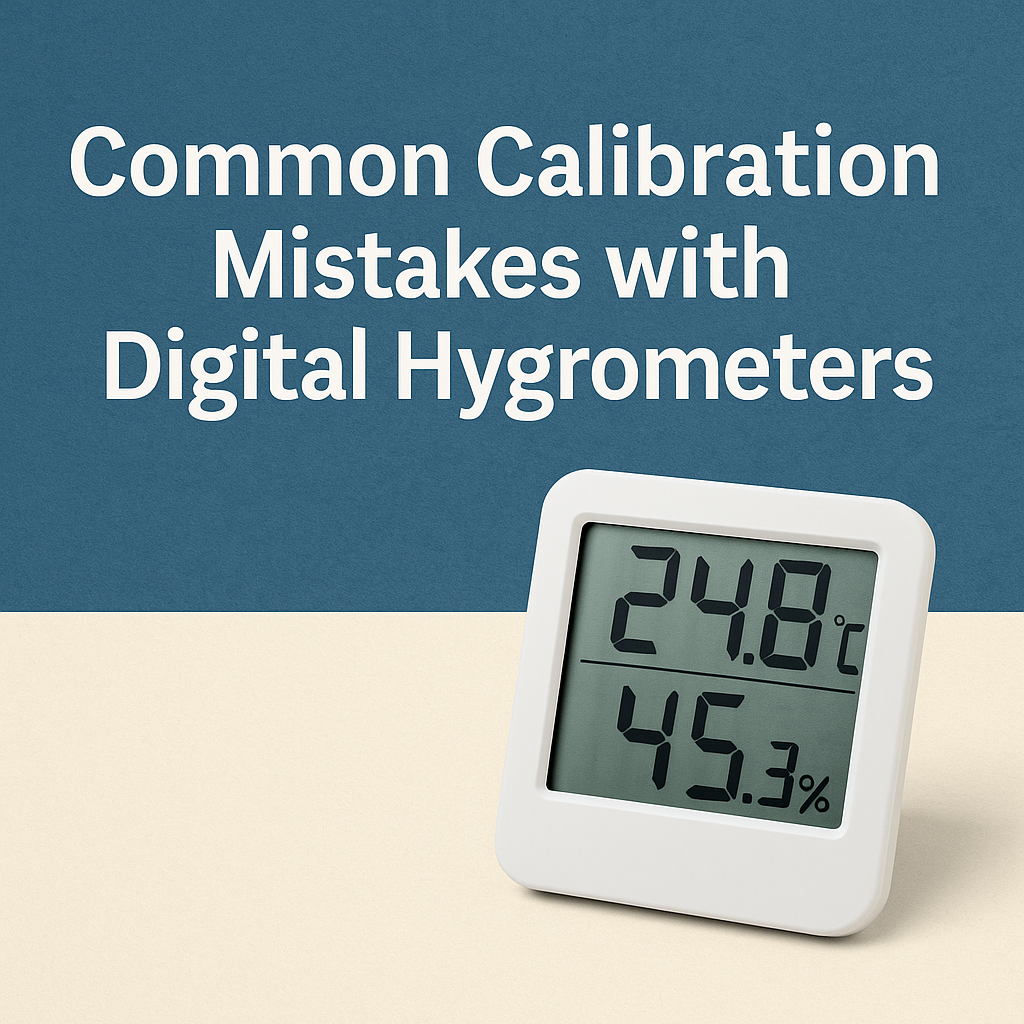
Accurate calibration helps Digital Hygrometers give readings you can trust. Most humidity problems come from small mistakes during calibration, and these mistakes often look harmless at first. This guide explains them in simple language so you can avoid them and keep your readings steady every day.
Why Calibration Often Goes Wrong
Calibration goes wrong when the sensor settles too fast, the room changes during the process, or the device is tested in the wrong setup. Digital Hygrometers react to the smallest temperature and humidity shifts. If the room or the sensor keeps changing while you calibrate, the final reading will be off.
How Room Temperature Can Affect Calibration
Temperature changes the way the sensor reads moisture. If the device is moved from a cold room to a warm room and calibration starts right away, the sensor is still adjusting. It needs time to settle before giving a stable value. If calibration happens too early, the device will lock in a wrong reference point.
Keep the hygrometer in the calibration room for at least 20 to 30 minutes before starting. This gives the sensor enough time to match the room temperature.
How Air Movement Creates Fluctuating Readings
Fans, air conditioners and open windows cause humidity to shift constantly. Digital Hygrometers respond quickly to these changes, which makes the reading unstable.
Calibration requires still air. Even a small draft can change humidity around the sensor. Pick a quiet spot with no airflow, and let the device sit there until the reading becomes steady.
How Light and Heat Interfere With Calibration
Sunlight and heat sources raise the temperature around the device. A warm sensor changes the humidity reading even when the room conditions remain the same. Lamps, electronics and sunlight all create small temperature changes that the sensor picks up.
Calibrate the hygrometer in a shaded and stable area. Avoid shelves near windows or warm appliances.
How Wrong Salt Test Methods Affect Accuracy
Salt tests work, but only when done the right way. A small mistake changes the humidity inside the test chamber.
Common issues include:
- Using old or contaminated salt
- Using tap water instead of clean water
- Adding too much or too little water
- Using loose containers that do not seal well
A proper salt test must stay fully sealed so the humidity inside can reach a stable level. If the container leaks even slightly, the humidity never settles and the calibration becomes incorrect.
How Rushing the Stabilization Time Leads to Bad Readings
A Digital Hygrometer may show numbers quickly, but that does not mean the sensor has finished reacting. Sensors take time to adjust. If you calibrate before the reading stops drifting, the final value will be wrong.
Some devices stabilize in ten minutes. Others take longer in colder rooms. Wait until the reading stays still for a continuous period before adjusting anything.
How Touching the Sensor Affects Performance
Touching the sensor accidentally is easy. Skin oils, moisture and dust stick to the sensor surface. Even a light touch slows the response and causes drifting humidity values.
Do not blow on the sensor to remove dust. Breath carries moisture and changes the reading instantly. Use a small, dry brush or air blower instead.
How Battery Problems Affect Calibration
Weak batteries do not always show clear signs. The display may seem normal, but the internal circuit may update slowly or inconsistently. This makes the reading unstable.
If you calibrate the device while the battery is low, the calibration will not hold properly. Replacing the battery after calibration may also reset the device. Always check battery strength before starting.
How Ignoring Manufacturer Settings Causes Drift
Every digital hygrometer model is built differently. Some have fixed offsets, some have manual adjustments, and some need sensor conditioning before they can be calibrated again. Using random instructions from different models causes long term drift.
Reading the manual helps you understand:
- How long the sensor needs to settle
- How the offset adjustment works
- How often the sensor needs calibration
- Whether the model needs pre-conditioning
These steps keep the device stable for much longer.
How Storage Conditions Affect the Sensor
Storing a hygrometer in a damp or very cold place affects the sensor. When you turn it on later, the sensor may take a long time to dry or warm up. If calibration happens during this period, the reading will not match real humidity.
Chemicals also affect sensors. Storing the device near strong cleaners, perfumes or adhesives releases vapors that settle on the sensor surface. This slows the response and raises reading errors.
Always store Digital Hygrometers in a clean, dry place with normal temperature.
How Handling During Calibration Creates Small Errors
Some users move the device around during calibration to check readings. This disrupts the stabilization process. Others place the device too close to walls. Walls collect moisture and release it slowly, which creates uneven humidity around the sensor.
Place the hygrometer on a flat surface with open space around it. Do not move the device until calibration is complete.
How to Keep Your Readings Accurate Every Time
Accurate calibration comes from a simple routine:
- Let the device adjust to room temperature
- Avoid airflow, sunlight and heat
- Use proper salt test materials
- Give the sensor enough time to settle
- Keep the sensor clean and untouched
- Check the battery before starting
- Follow the steps given for your specific model
These habits keep your Digital Hygrometers stable and reduce long term drift.
Conclusion
Good calibration protects your readings and keeps your work steady. When your instruments stay in shape, your day becomes simpler and your results stay consistent.
If you want humidity instruments that you can rely on along with clear guidance for your setup, SS Hussain can support you. We help you select the right Digital Hygrometers and give you practical steps so your humidity readings stay accurate every day.
FAQs
1. How often should a digital hygrometer be calibrated?
Most digital hygrometers need calibration every 2 to 4 weeks.
If the device is used in changing temperatures or high-humidity areas, calibrate more frequently because the sensor drifts faster.
2. Can a digital hygrometer be fully accurate without calibration?
No. All humidity sensors drift over time. Calibration restores the reference point and keeps readings within the correct range.
3. What is the ideal humidity level for checking if the hygrometer works normally?
A well-functioning hygrometer should read within 30–50 percent RH in a normal indoor room.
If the reading is outside this range in a dry or mild environment, calibration may be needed.
4. Do digital hygrometers work in very cold rooms?
They work, but the sensor slows down in cold conditions.
This delay can create temporary errors, so allow extra stabilization time before taking readings or calibrating.
5. What is the average error range of a digital hygrometer?
Most consumer models have an accuracy of ±2 to ±5 percent RH.
Higher-grade devices have lower error margins because their sensors are designed for lab conditions.